
🔑 Key Takeaways
- Discover how to activate eSIM in India remotely via SMS or apps from Jio, Airtel, and Vi—no store visits needed.
- Perfect for beginners: step-by-step guides with QR code scans for iPhone, Android.
- Works in 2026 with updated self-care processes; get online instantly.
- Compare providers in a table; choose based on your needs.
- International eSIMs skip KYC for even faster setup.
How to Activate eSIM in India: Your Beginner-Friendly Starter Guide
Learning how to activate eSIM in India is simpler than you think, even if you’re a total newbie. I’ve done it myself without stepping into a store, and I’ll walk you through every bit.
No more queuing up or dealing with paperwork. In 2026, Jio, Airtel, and Vi let you do it all from your phone via SMS or apps.

Stick with me, and you’ll be connected in under an hour. Let’s dive in.
Why Switch to eSIM Activation in India Now?
eSIMs are digital SIMs embedded in your phone—no plastic cards to swap. They’re perfect for travel or multiple numbers.
In India, carriers have streamlined eSIM activation for 2026. You get the same coverage but with zero hassle.
I switched last month and saved hours. Reliability matches physical SIMs, plus easier backups.
Check If Your Phone Supports eSIM First
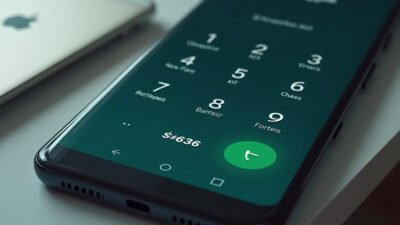
Before jumping in, verify compatibility. Dial #06# to see your EID (32-digit number) and IMEI.
iPhones from XS onwards work great. Most Samsung Galaxy S20+, Google Pixels, and newer Androids too.
No EID? Your device isn’t ready—time for an upgrade. Most flagships in 2026 have it built-in.
Jio eSIM, Airtel eSIM, Vi eSIM: Quick Compatibility Check
For Jio eSIM: Works on 500+ devices listed on their site.
Airtel and Vi follow suit. Download carrier apps to confirm instantly.
How to Activate eSIM in India with Jio: Step-by-Step
Jio makes Jio eSIM activation dead easy via app or SMS. I prefer the app for speed.
App Method:
- Open MyJio app, search ‘Switch to eSIM’.
- Verify email, enter your 32-digit EID.
- OTP to phone, wait 2-hour cooling per DoT rules.
- Answer automated call from +91 2235072222, press prompted number.
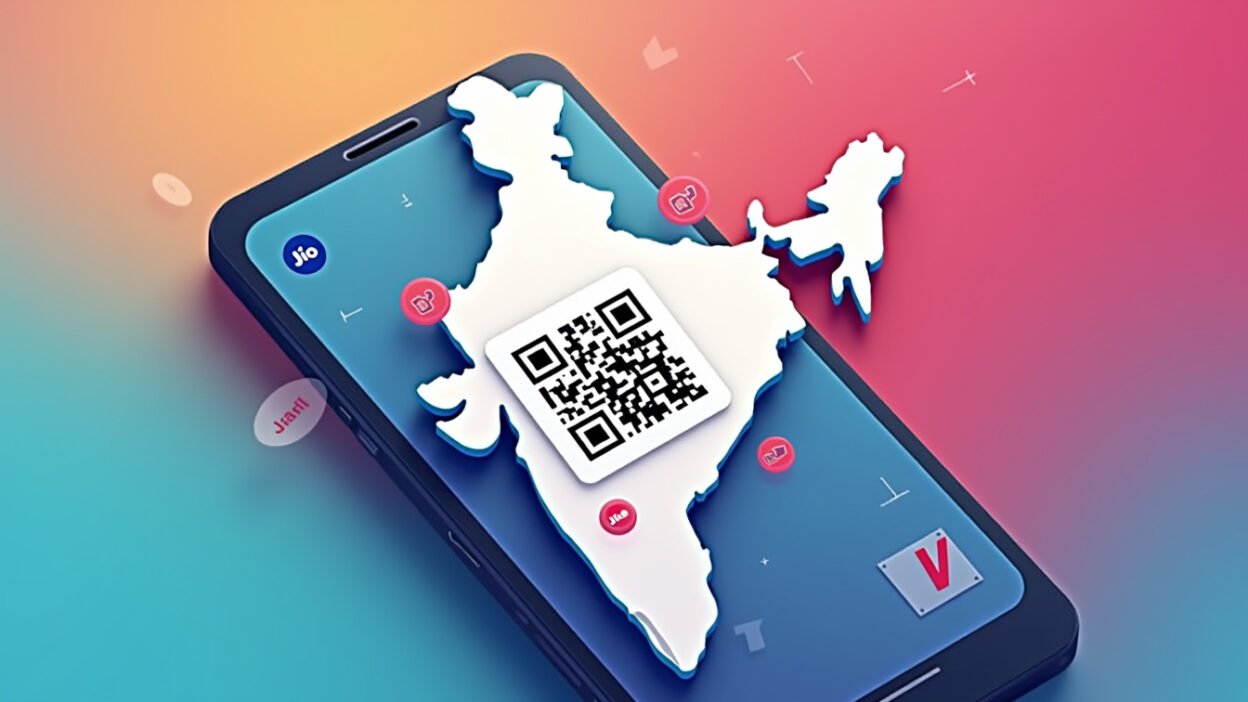
- Get QR code via email/SMS—scan to activate.
SMS Method:
- Send GETESIM<32-digit EID><15-digit IMEI> to 199.
- Get 19-digit eSIM number, then SIMCHG
to 199. - Reply ‘1’ to consent SMS, confirm IVR call.
- QR arrives—done.
If you miss the call, SMS ‘RECALL’ to 199. Takes 10-15 mins post-cooling.
Airtel eSIM Activation: No App? No Problem
Airtel eSIM shines for app lovers. Download Airtel Thanks if you haven’t.
Steps:
- Login, go to shortcuts, tap ‘Upgrade to eSIM’.
- Select device, enter EID.
- Verify OTP, confirm call after 10 mins.
- Wait 2 hours, download profile via QR in email.
SMS fallback: eSIM
Pro tip: Restart phone after switching—data flies immediately.
Vi eSIM Setup for Beginners in India
Vi eSIM activation uses SMS mostly. Super straightforward.
Process:
- Send eSIM
to 199. - Reply ESIMY to confirm.
- Press ‘1’ on verification call from 012471.
- QR code lands in email—scan it.
Ensure email’s registered. Wrong EID? It’ll fail, so double-check via #06#.
QR Code Scan: The Final Step for All Carriers
Got your QR? Time to install. Connect to Wi-Fi first.
iPhone (iOS):
- Settings > Mobile Data > Add Data Plan.
- Scan QR, tap Continue, label your plan.
- Primary or secondary—your call. Restart.
Android Varies:
- Samsung: Settings > Connections > SIM Manager > Add eSIM.
- Google: Settings > Network & Internet > + next to Mobile Network > Download SIM.
Test call and data. Boom—eSIM activation complete.
Jio vs Airtel vs Vi eSIM: Comparison Table
Here’s real data to pick your winner.
| Feature | Jio eSIM | Airtel eSIM | Vi eSIM |
|---|---|---|---|
| Initiate Method | App/SMS to 199 | App primary, SMS to 121 | SMS to 199 |
| Cooling Period | 2 hours | 2 hours post-call | Immediate post-call |
| Verification | IVR call +91 2235072222 | Call after 10 mins | Call 012471 |
| Best For | App users, fast 5G | Roaming support | Simple SMS fans |
| Devices Supported | 500+ | Most modern | Google/Samsung/Honor |
Jio edges for coverage, Airtel for international. Vi’s quickest SMS.
Troubleshooting eSIM Activation Issues in India
Stuck? Common fixes I’ve used.
No QR? Check spam or re-request. Wrong EID—big no-no, redial *#06#.
Activation fails? Ensure Wi-Fi, restart, remove old SIM. Still? Carrier helpline: Jio 199, Airtel 121, Vi 199.
For internationals: Skip KYC with global eSIMs like Airalo—buy online, scan, go.
International eSIMs: Faster Alternative for India
Not tied to one carrier? Global eSIMs activate instantly, no passport drama.
Buy from apps, scan QR—no Indian KYC. Great for short trips in 2026.
I use them abroad; perfect backup for activate eSIM India beginners 2026.
Final Thoughts on eSIM in India
You now know every trick to get connected remotely. No stores, no stress—just pure convenience.
Pick your carrier, follow the steps, and enjoy seamless data. That’s how to activate eSIM in India for good.
Frequently Asked Questions
Can I activate eSIM in India without a physical SIM?
Yes, if converting an existing number via SMS/app. New numbers might need initial KYC online.
How long does eSIM activation take in 2026?
10-30 mins post-cooling (2 hours for Jio/Airtel). QR scan is instant.
Does iPhone eSIM work with Indian carriers?
Absolutely—Settings > Cellular > Add eSIM, scan QR. Works flawlessly.
What if I miss the verification call?
Jio: SMS RECALL to 199. Others: Re-initiate or wait for retry.
Is eSIM free to activate?
Yes, no charges from carriers like Jio, Airtel, Vi.