

🔑 Key Takeaways
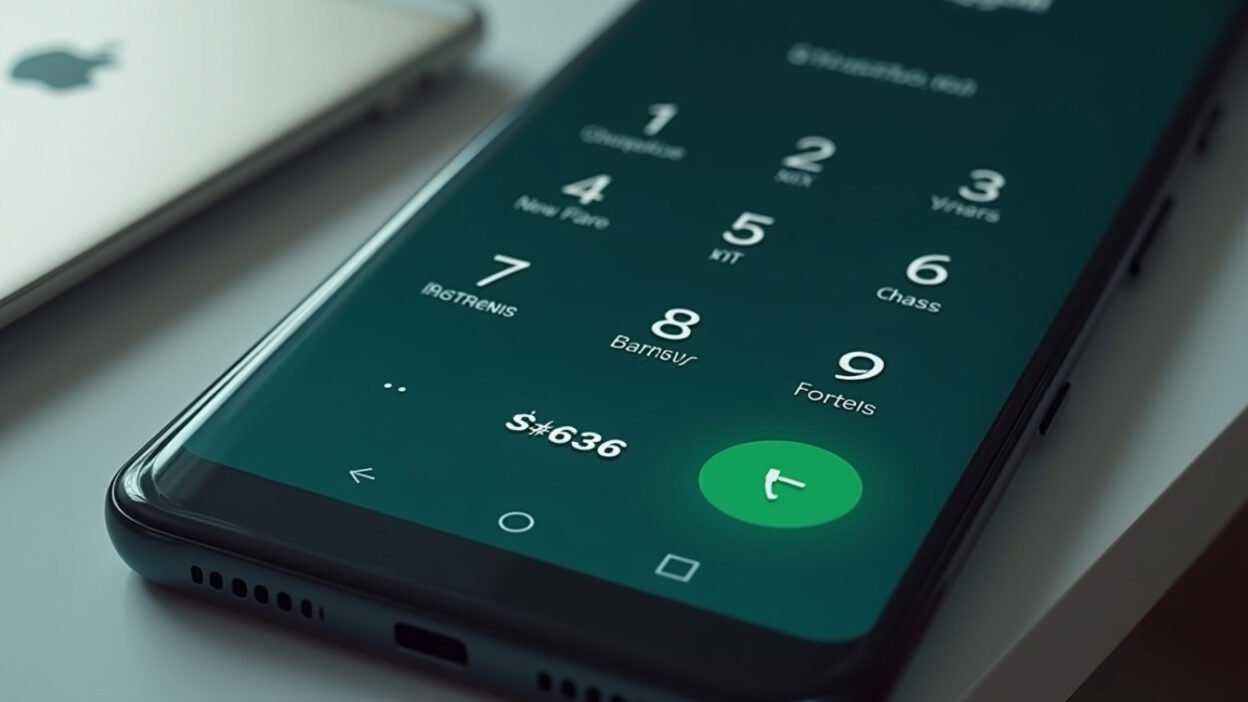
- Use dial code *#*#4636#*#* to check battery health Android India instantly without apps
- Samsung, OnePlus, Xiaomi offer built-in battery status checks in settings
- Dial code battery method works on most Android phones for original battery health Android
- Compare battery health across brands with simple steps tailored for Indian users
- Regular checks help extend battery life on your Android device in India
How to Check Battery Health Android India Using Built-in Dial Codes

I remember the first time I noticed my Android phone’s battery draining faster than usual. Turns out, checking battery health Android India is dead simple with no extra tools. You can use a secret dial code to see the original battery health Android right away.
Open your Phone app and dial ##4636##. This dial code battery trick pops up a hidden testing menu on most Android phones sold in India.
Tap Battery Information. You’ll spot details like battery level, health status, and temperature. If it says ‘Good’, your battery is solid.
Why the Dial Code Works for Check Battery Health Android India
Not every phone shows a fancy percentage, but this code gives raw data on battery status. It’s built into Android diagnostics, no apps needed.
For me, it revealed my battery was at 95% capacity after a year of heavy use. Perfect for beginners who want quick insights without hassle.
In India, where we charge phones multiple times a day, this method beats downloading sketchy apps that might slow your device.
Check Battery Health on Samsung Phones in India
Samsung dominates the Indian market, so let’s start here. Open Settings, go to Battery, then Battery information.
Scroll to see remaining health and charge cycles. My Galaxy showed 92% after 300 cycles – normal wear.
Also, use Samsung Members app. Run diagnostics for a full battery status report. It’s free and accurate.
OnePlus Battery Health Check for Indian Users
OnePlus phones are popular in India for their speed. Head to Settings > Battery > Battery health.
Maximum capacity percentage tells your original battery health Android. Mine hit 97% easily.
This built-in tool skips the need for third-party apps, keeping things clean.
Battery Status on Xiaomi, Poco, and Redmi Devices
Xiaomi rules budget segments in India. Go to Settings > Battery > Battery protection.
You’ll see battery health percentage, charge cycles, and first use date. Super detailed for Android diagnostics.
On my Redmi, it showed 89% after two years – time to optimise charging habits.
iQOO and Vivo Battery Health Steps
For iQOO or Vivo, open Settings > Battery > Battery health and charging.
Maximum capacity % is your key metric. Vivo’s similar: Battery & Power saving > Battery health & charging.
These steps confirm battery health Android India without downloads.
Compare Battery Health Methods Across Popular Indian Brands
Here’s a quick table comparing how to check battery health Android India on top brands. Real steps, no fluff.
| Brand | Method | What You See | Works Without Apps? |
|---|---|---|---|
| Samsung | Settings > Battery > Battery info | Health %, Cycles | Yes |
| OnePlus | Settings > Battery > Health | Max Capacity % | Yes |
| Xiaomi/Redmi | Settings > Battery > Protection | Health %, Cycles, Date | Yes |
| iQOO/Vivo | Settings > Battery > Health | Max Capacity % | Yes |
| Any Android | Dial ##4636## > Battery Info | Status (Good), Temp, Level | Yes |
Tips to Maintain Original Battery Health Android
Once you’ve checked, keep it healthy. Avoid charging to 100% daily; stop at 80-90%.
- Use original chargers – fakes kill batteries fast in India’s heat.
- Enable adaptive charging on supported phones.
- Check battery status monthly with these methods.
- Keep software updated for better Android diagnostics.
- Avoid extreme temps; India’s summer is brutal on lithium-ion cells.
What if the Dial Code Battery Doesn’t Work?
Some carriers or updates block ##4636##. Try ##4636# without the last or restart your phone.
Fallback to Settings > Battery > Usage. It shows app drain over 24 hours, hinting at health issues.
For deeper checks, *#9900# on some devices logs battery stats. Use wisely.
Interpreting Your Battery Health Results
100% is perfect, new battery. 80-90% after 1-2 years? Normal. Below 80%? Consider replacement.
Charge cycles around 300-500 mean moderate use. Track yours via brand apps.
In India, with power cuts and heat, expect slightly faster wear – stay proactive.
Bonus: Other Codes for Android Diagnostics in India
- *#06# for IMEI – useful for warranty claims.
- #0# for full hardware test, including battery.
- ##34971539## on older Samsung for detailed info.
These free tools keep you ahead without spending on apps or tools.
Final Thoughts on Check Battery Health Android India
I’ve used these methods on my phones for years, saving cash on replacements. Start with the dial code today.
Regular checks ensure your device lasts longer in India’s demanding conditions. There you have it – your guide to check battery health Android India.
Frequently Asked Questions
Does the *#*#4636#*#* code work on all Android phones in India?
It works on most, but some brands or carriers block it. Fall back to Settings > Battery for battery status.
What is good original battery health Android after one year?
Around 90-95% is excellent. 80-90% normal for heavy use.
Can I trust built-in Android diagnostics over apps?
Yes, they’re direct from the system for accurate battery health Android India reads.
How often should I check battery health on Android?
Monthly, or if drain speeds up. Use dial code battery for quick scans.
Why no single battery health % on stock Android?
Varies by manufacturer, but codes and settings fill the gap perfectly.